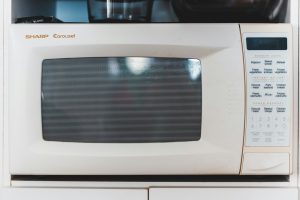
What Display Dead means on your Asko microwave (asko microwave display dead)
When an asko microwave display dead shows no lights, no time, and no response to any button, the problem sits somewhere in the low-voltage power path feeding the control board, or in the board itself, rather than in the high-voltage heating circuit. It is worth ruling out a simple supply issue — a tripped breaker, a loose connection at the built-in unit’s junction, or a blown fuse specific to the control circuit — before assuming the control board itself has failed.
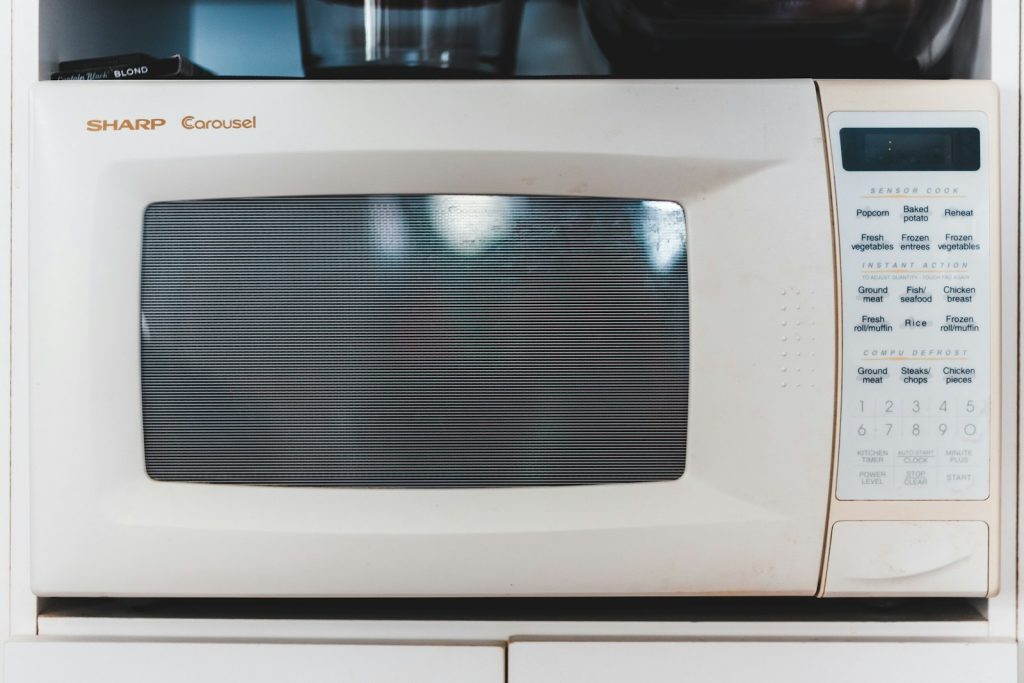
Symptoms
Read through the list and compare it with how your Asko microwave is actually behaving, since problems with different fixes can look alike at first. The microwave may reveal a lone symptom or a group of them, appearing gradually or the instant after a power blip, a heavy cycle, or new installation work.
- the display shows nothing at all, with no time, clock, or indicator lights
- no button press produces any response, sound, or light
- the unit may or may not still run the fan or turntable if a cycle happens to be manually forced, though this is unusual with a dead display
- other kitchen circuits and appliances continue to work normally
- the problem may be intermittent, with the display occasionally flickering back briefly
Common causes
Different underlying problems can surface the same way on your Asko microwave, so the causes below run in order of probability. Clearing them one by one separates a quick check on the microwave from a repair that genuinely needs trained service and genuine parts.
- Tripped breaker or blown fuse — the most basic cause, and the first thing worth checking
- Loose supply connection — a built-in unit’s hardwired or plug connection that has worked loose can cut power intermittently or entirely
- Failed low-voltage power supply — the component that steps down mains voltage for the control board and display has failed
- Control board failure — the board itself has failed even though power is reaching it correctly
Troubleshooting steps you can try
Run down this list on your Asko microwave in order before arranging a visit, keeping the easy checks first. Any step on the microwave that involves live voltage, gas, a hot cavity, standing water, or a sealed system is one to leave to an experienced technician.
- Check the breaker feeding the microwave and confirm it has not tripped.
- If the unit is on a standard outlet, confirm the outlet itself has power using another appliance.
- Isolate the unit at the breaker for a few minutes, then reconnect to see whether the display returns.
- Note whether the problem is constant or intermittent, since a flickering display points more toward a loose connection.
- If the display stays dead after confirming power is present at the unit, book a technician rather than opening the cabinet yourself.
Parts a technician may replace
Expect a technician to inspect, test, or replace the low-voltage power supply, control board, and supply wiring/fuse on your Asko microwave, depending on what the diagnosis shows. Each part is matched to the microwave by model, serial, and Art. No., and genuine OEM or trusted-supplier components are fitted to the microwave rather than generic ones, so the fix holds.
When to call a technician
A technician confirms mains voltage is reaching the unit, then tests the low-voltage power supply and control board to isolate which stage has failed. This problem sits at Low severity, so your Asko microwave is safe to leave for now; if Display Dead keeps returning on the microwave despite the steps above, get a technician to establish the cause before ordering parts. Work on your Asko microwave is independent of Asko, Gorenje, and Hisense; experienced technicians fit genuine OEM or trusted-supplier parts, and the labor on the microwave is covered by a 30-day warranty. The Art. No., alongside the model and serial on your Asko microwave, is what lets us order the right part for your microwave before we arrive and put Display Dead right without unnecessary return trips.
Related help and Asko resources
For a Display Dead that returns on your Asko microwave, you can book Asko microwave repair, look through our related microwave error-code guides, lean on our step-by-step repair guides, schedule service for service, or find your city on our locations page. The maker publishes complete specifications and model information for your Asko microwave at global.asko.com.