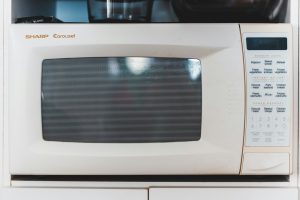
What Keypad Unresponsive means on your Asko microwave (asko microwave keypad unresponsive)
Unlike a fully dead display, an asko microwave keypad unresponsive shows the clock and display working normally, but pressing any button produces no result. This points more specifically at the keypad membrane or its connection to the control board, rather than at the power supply feeding the unit as a whole.
Symptoms
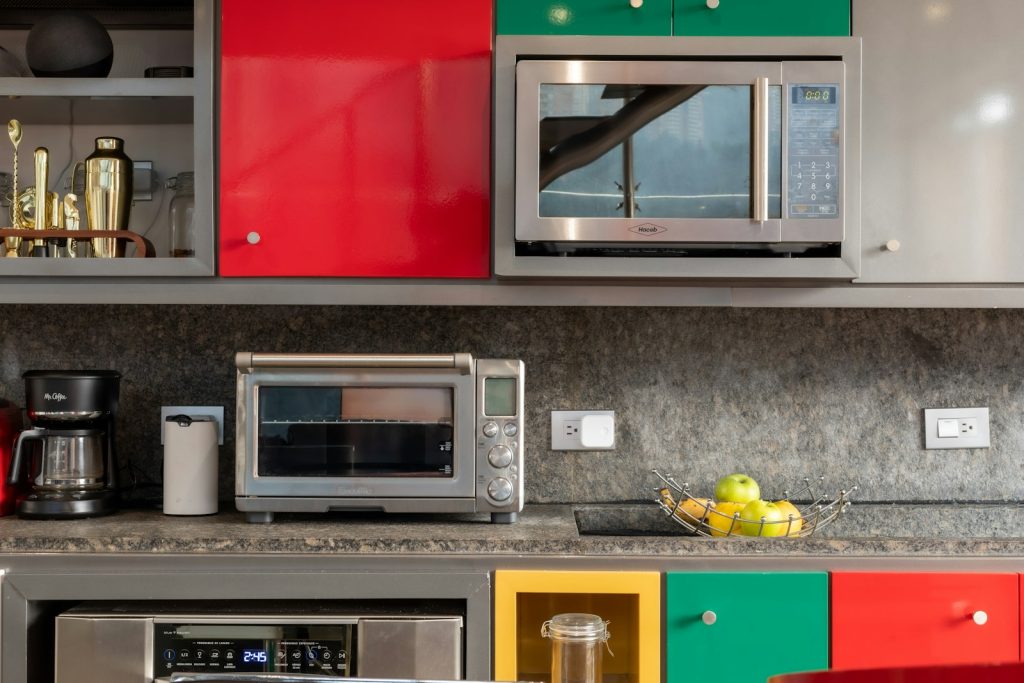
Match what your Asko microwave is doing against the signs below before assuming the cause, since more than one problem can produce a similar picture. On the microwave the symptoms may arrive alone or in combination, sometimes gradually and sometimes the moment after a surge, an intensive cycle, or a fresh install.
- the display shows the time normally, but no button press does anything
- some buttons may respond while others do not, rather than a complete failure
- a control-lock or child-lock feature may be the cause and is worth ruling out first
- the keypad may respond after firm, deliberate pressure but not to a light touch
- the problem may worsen gradually over weeks rather than appearing suddenly
Common causes
These symptoms on an Asko microwave can spring from several different problems, so consider the likeliest first before anything exotic. That order makes clear whether your microwave needs nothing more than a check or a proper repair with correct Asko parts.
- Control lock engaged — a lockout feature is active and needs the correct release sequence rather than a repair
- Worn membrane keypad — heavy daily use over years wears out the contact points beneath the keypad surface
- Loose ribbon connector — the connection between the keypad and control board has worked loose
- Control board failure — the board itself is not registering keypad input correctly
Troubleshooting steps you can try
Work down this list on your Asko microwave one step at a time before booking a visit. If any step on the microwave brings you near live wiring, gas, a hot oven cavity, standing water, or a sealed system, stop there and hand it to a qualified technician.
- Check your model’s manual for the control-lock release sequence before assuming a hardware problem.
- Isolate the unit at the breaker for a few minutes, reconnect, and try the keypad again.
- Press a range of different buttons to see whether the issue affects all of them or only some.
- Wipe the keypad surface clean and dry, since residue can occasionally interfere with contact.
- If the keypad stays unresponsive after ruling out a lockout and a power reset, book a technician.
Parts a technician may replace
A technician may inspect, test, or replace the membrane keypad, ribbon connector, and control board on your Asko microwave once the cause is clear. Confirming which of these has actually failed on the microwave before ordering keeps the repair tight, and the replacement is matched by model, serial, and Art. No. for an exact fit.
When to call a technician
A technician checks the ribbon connector seating and tests the keypad membrane for continuity, replacing the keypad or control board as the problem indicates. A Low-severity rating means no emergency for your Asko microwave, but Keypad Unresponsive reappearing on the microwave after the checks above should be confirmed by a technician before anything is replaced. Our work on your Asko microwave is fully independent of Asko, Gorenje, and Hisense — experienced technicians, genuine OEM or trusted-supplier parts, and a 30-day warranty on the labor that goes into your microwave. Keep your Asko microwave’s model, serial, and Art. No. handy for the booking so the component can be matched to your microwave up front and Keypad Unresponsive resolved without repeat call-outs.
Related help and Asko resources
A Keypad Unresponsive that keeps coming back on your Asko microwave is worth a proper look: book Asko microwave repair, scan our other microwave error-code guides, use our step-by-step repair guides, schedule service for an appointment, or check your area on our locations page. To look up your Asko microwave’s specifications and manuals, see the manufacturer at global.asko.com.