
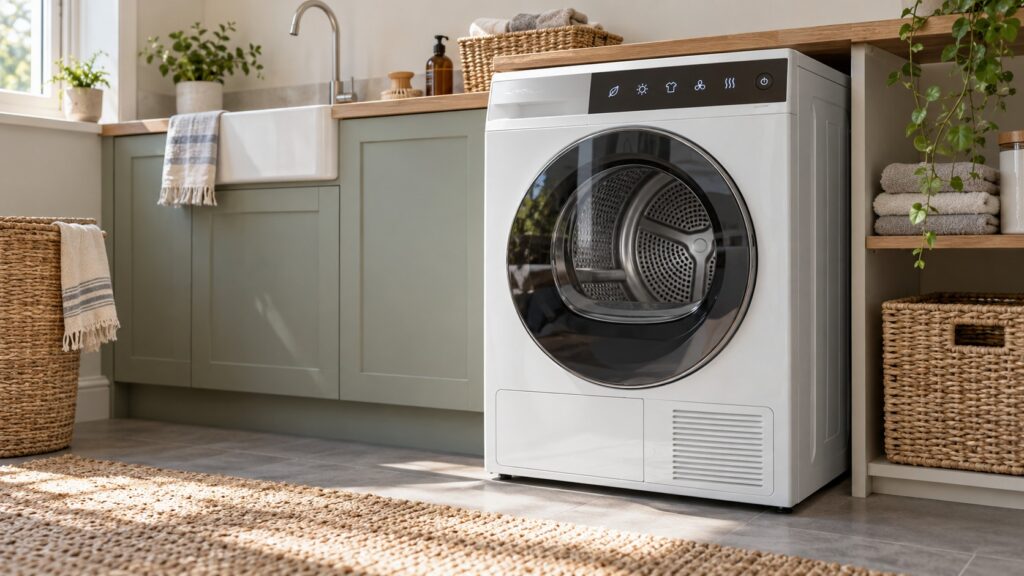
Asko dryer symbols are the small pictures on the control panel and on your clothing labels that tell the dryer, and you, what to do. Some describe fabric and heat, some mark the drying level, some are status lights for the lint filter or the water container, and some show the stage a program has reached. The conventions are shared across the laundry industry, but the exact set varies by model, so treat this glossary as a list of typical symbols and then check your owner’s manual for the page that lists your own.
What do the symbols on a clothing label mean?
Most people meet a dryer symbol first on a garment, not on a machine. The label uses a small square with a circle drawn inside it to mean that machine drying is allowed, and the same picture crossed out means it is not. Dots inside the circle show how much heat the fabric can take, with fewer dots standing for gentler heat. A line under the square means a gentler action, and a flat square marks drying flat.
These care labels follow widely used conventions, and they are the instructions from the garment maker, so they outrank anything you have learned about a dryer program. If a label says do not dry, do not argue with it. Match a delicate label to the gentlest program your dryer offers, which is also the safest habit for wool and other delicate fabrics.
What do the status and warning lights on the panel mean?
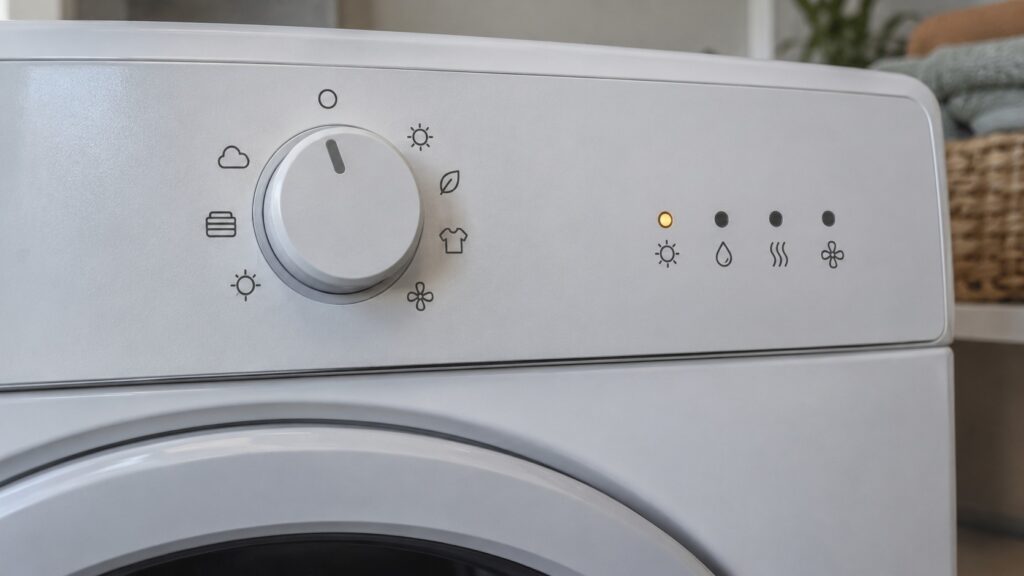
A lit pictogram on the panel is usually a status light. A drop of water, or a container shape, usually tells you to empty the water container on a condenser or heat pump model, which collects the water pulled from the laundry. A filter shape tells you to clean the lint filter. Our guide on the lint filter routine explains why every load is the right frequency for the filter.
A light that is flashing is normally asking you to do something, such as closing the door, emptying the container or cleaning a filter. What a given light asks depends on the model and on the control platform, which is why the manual matters. If the container light comes on again almost at once, our page on dryer water tank full codes explains what to check.
What do the drying-level and program symbols mean?
Automatic dryers let you choose how dry the load should be, and the choice is usually shown with a symbol or a word: with wording that varies by model, such as extra dry, cupboard dry or iron dry. Chosen levels tell the dryer to stop at that point rather than at a time, which is how an automatic program works. Our guide on Asko dryer cycle duration explains why automatic programs run for different lengths of time.
Keep the manual with the machine, or save a photo of the symbol page on your phone. That page is the quickest way to settle any doubt about a light, and it is usually the first thing a technician asks you about when you describe what the panel is showing.
Do not confuse the machine’s symbols with a recommendation to use the highest heat. A higher setting is faster, but it is harder on fabrics and on elastic and prints, and the garment label always has the last word.
If a label is missing or has worn away, choose a gentler program and a lower heat, and take the clothes out while they are slightly damp rather than leaving them to run for too long.
Program symbols can show cottons, synthetics, delicates, wool or a gentle refresh, among others. A symbol that looks like a snowflake or a feather usually stands for a low-heat or air-only setting, and a symbol with a hanger or a wool skein stands for a program designed for a particular fabric. Do not rely on the picture alone for anything with a risk attached, such as wool or a technical fabric; the manual describes what the program really does on your machine.
Why are the symbols not the same on every Asko dryer?
Asko has used several control platforms across its dryer lineup, and the displays differ: some show icons, some show words and some are plain and analog. Our guide on Asko dryer platform identification explains how to find which one you have. The most reliable way is the model number on the rating plate; where the plate sits differs by model, so your manual shows the spot.
Once you know the model, the manual for that model has a page that pairs every symbol with its function. If you no longer have the manual, tell us the model number and we will point you to the right family.
What if a symbol or message points to a fault?
A status light is not a fault. A letter and number such as a code is different, and it means the dryer has found something it cannot correct by itself. Write down what you see exactly and do not guess; the same characters can mean something different on a different platform. If you notice a burning smell or smoke, stop the dryer and switch off the breaker at the panel while standing on a dry floor. Never open the dryer’s cabinet.
Our Asko dryer repair page explains how a visit works.