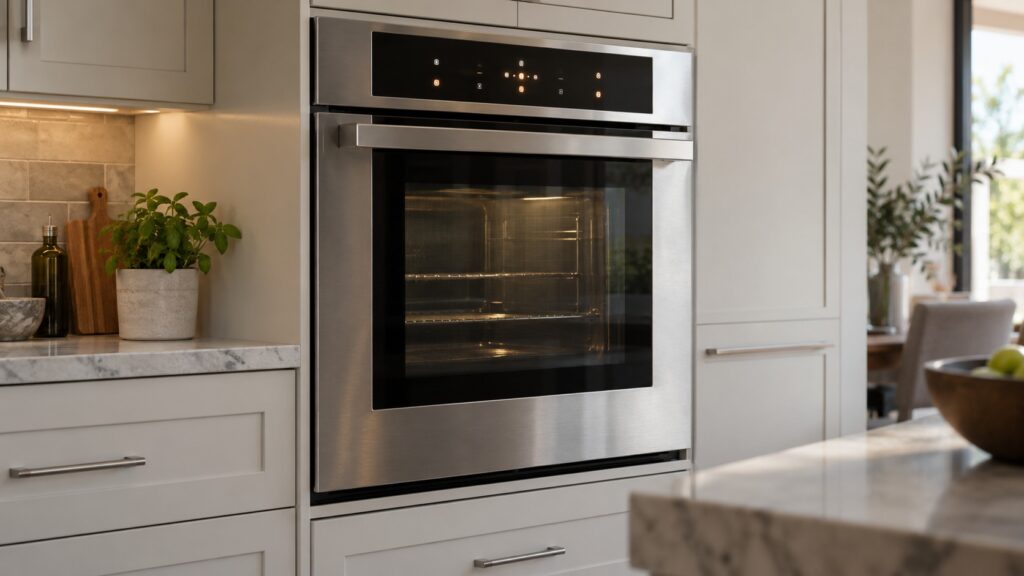
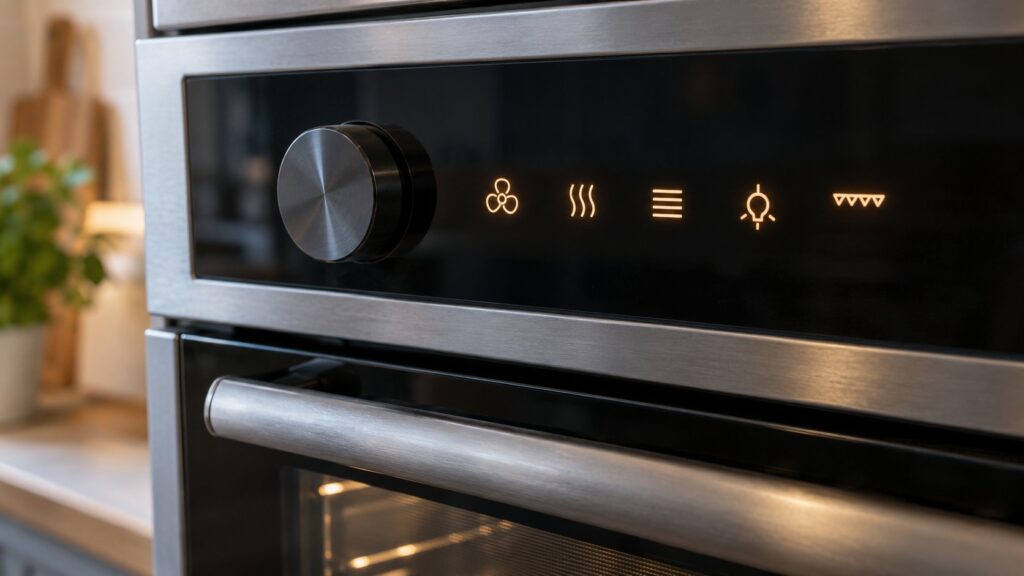
Asko oven symbols are the small pictures on the control panel that typically stand for a heating mode, a timer or clock function, a safety lock or a cleaning function. They are drawn to be read without words, but they are not identical on every oven, so the safest way to use any list, including this one, is to treat it as a list of typical meanings and then confirm each symbol against the owner’s manual for your exact model.
What do the heating symbols on an Asko oven mean?
Heating symbols are the largest group on most ovens, and they are drawn as a small box, which stands for the oven cavity, with lines showing where the heat comes from. A line along the top of the box points to the upper element, a line along the bottom points to the lower element, and both lines together point to the traditional conventional bake. A fan drawn inside or beside the box points to a mode that circulates air, which is the family often called convection. Because the pictures are so simple, two different modes on the same oven can look alike at a glance, so read the whole row of symbols, not just one.
What each mode does to a particular recipe, and how it differs from the one next to it, depends on your exact model. Our overview of the Asko oven design lines explains how the families are organized, and your manual lists the modes your oven actually has.
What do the grill, steam and cleaning symbols mean?
A zigzag or wavy line near the top of the box generally marks the grill, the high, direct heat from above that Americans call broiling. Keep the door position and rack height in mind and follow your manual, because the instructions for grilling differ from ordinary baking.
A water drop or a cloud of steam marks a steam function. Not every Asko oven has one; the steam and combi-steam models do, and those ovens also carry a removable water tank that needs care. Our guide to Asko steam and combi-steam ovens explains the idea, and the one on the steam oven water tank covers the upkeep.
A symbol for cleaning is worth reading carefully. On a pyrolytic model it marks a high-heat self-cleaning cycle, which behaves very differently from an ordinary mode. Our pyrolytic cleaning guide explains what to remove first and why oven cleaner should stay in the cupboard.
What do the lock, timer and clock symbols mean on an Asko oven?
A padlock is the symbol people ask about most, because an oven that seems unresponsive is often simply locked. On many ovens a lock symbol means the controls are locked so that a child or a stray touch cannot start the oven, and on ovens with a cleaning cycle it can also mean the door is locked while the cavity is hot. The two uses look the same on the panel, which is why you should read what the display is doing as well as the picture itself. How to switch the lock off is a model-specific sequence, so use your manual rather than guessing at button combinations.
A bell, clock face or hourglass belongs to the timing functions: a kitchen timer that only beeps, a clock that sets the time of day, or a cooking time that switches the oven off by itself. Ovens often put these symbols in a row beside the main display, and the time function you want is usually selected before you set the number. If the clock keeps resetting after a power cut, that is a symptom rather than a symbol, and our clock reset page covers it.
What if a symbol is flashing or an Err message appears?
A symbol that lights steadily simply tells you the function is on. A symbol that flashes is asking for something: closing the door, filling the water tank, finishing a setting or acknowledging a message. What it asks depends on the model, so a flashing icon is a reason to read the manual page for that function, not a sign that the oven is broken.
A message that begins with Err is different. Asko publishes no meaning table for the numbered messages that applies to every oven, and our guide on what an Asko oven error code means explains how we approach them. If the message returns after you switch the oven off at the breaker for a short while and then restore power, write down exactly what the display shows and book a visit rather than trying more resets.
How can you find the exact symbol list for your oven?
Three sources settle any doubt. First, the owner’s manual has a page that pairs every symbol with its function. Second, the model number on the rating plate tells you which manual to look for; the plate is usually visible when you open the door, but the position varies by model. Third, you can send us the model number and we will tell you which family it belongs to. Photograph the control panel with the oven switched on, because a picture of the actual row of symbols answers more questions than a description does.
Avoid the temptation to compare your oven to a different brand’s chart. Symbol sets are drawn to similar conventions across the industry, but small differences matter, and a symbol that means a gentle warming mode on one oven can mean something else on another.
When should you call a technician about an oven that will not respond to its symbols?
Call if the panel stays dark, if symbols light but the oven never heats, if a symbol flashes constantly and no instruction in the manual clears it, or if you smell burning or see smoke. Treat sparks or water near the controls as an emergency: switch off the breaker at the panel while standing on a dry floor, and do not touch the oven again until it has been looked at. Never open the oven’s outer panels yourself; that is a technician’s job.
Our Asko oven repair page explains how a visit works.