Searches for how to use asko induction cooktop controls all start the same way: put a pan with a magnetic base on a zone, switch the cooktop on with its on or power key, choose the zone and set a power level on the touch controls. The cooktop only heats once it detects a suitable pan sitting over an active zone, so if nothing happens, the pan is the first thing to check. The exact keys, sliders and symbols differ between Asko models and generations, so your owner’s manual shows what yours looks like. This guide explains how to use an Asko induction cooktop in general terms: what to do before you switch on, how to start and adjust a zone, how bridge zones work, how to switch off safely and what to do when it will not respond.
How do you switch on an Asko induction cooktop?
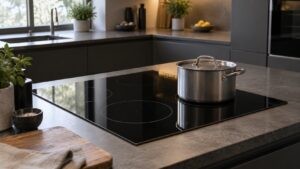
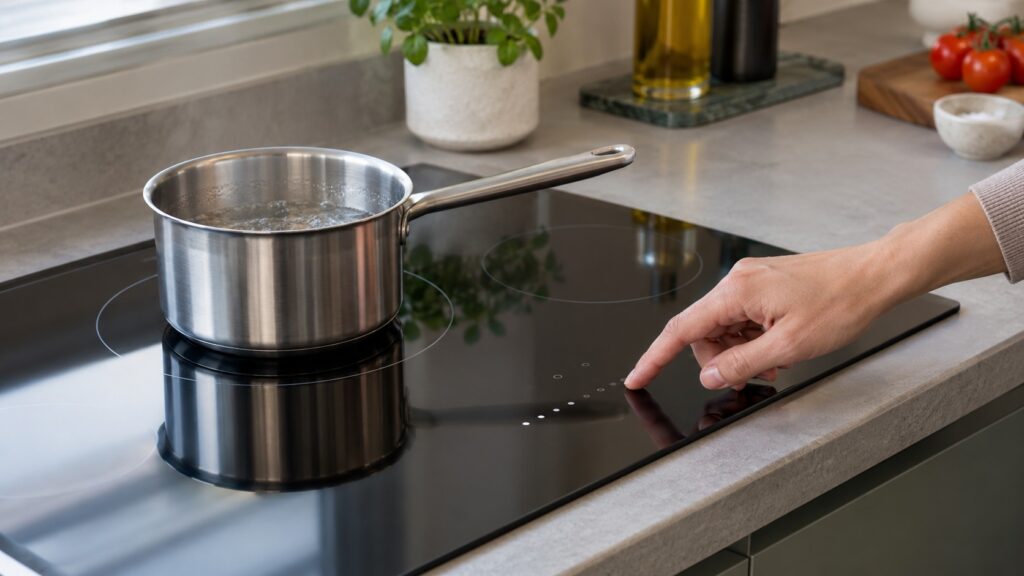
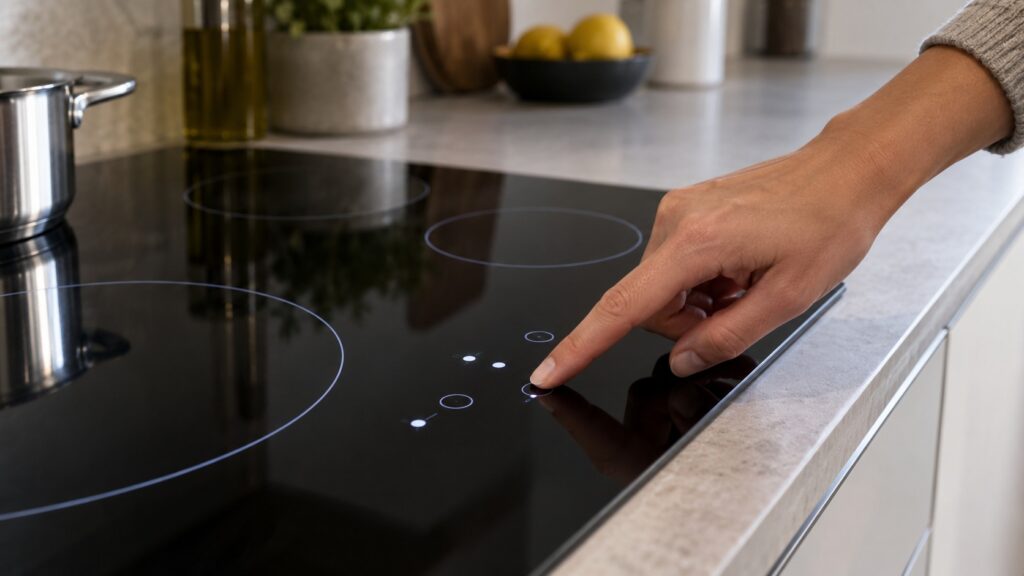
Start with the pan, not with the controls. Place a pan with a magnetic base squarely on the zone you want to use, centered over the marked circle. Induction works by sending a magnetic field through the glass, and the cooktop checks for a suitable pan before it sends any power. Then switch on the cooktop with its on or power key. The key and its position differ by model, so find it in your manual. Once the cooktop is on, the display or the zone indicators light up, and you choose the zone and set the power level. If you press a zone with no pan, or with a pan that is not suitable, the zone will not heat.
It helps to be ready. Put the pan down before you switch on, keep the panel dry and clear of utensils and towels, and do not rest anything on the touch controls. A wet or dirty panel can ignore your touch.
Which pans work on an induction cooktop?
Only cookware with a ferromagnetic base, meaning one that a magnet sticks to. Our guide to Asko induction compatible cookware explains the quick magnet test: hold a refrigerator magnet to the base of the pan, and if it grips firmly, the pan should work. Cast iron works, and so does stainless steel that has a magnetic base. Aluminum, copper and most glass or ceramic cookware will not trigger detection at all. The pan also has to be large enough for the zone and reasonably centered, because a pan that is too small or off to the side can read as no pan present. Our guide to Asko induction pan detection describes how the cooktop decides.
How do you set and change the heat?
Choose the zone by touching its control, then set a level with the slider or the plus and minus keys, as your model has them. Start at a low level and raise it as the pan heats. Higher levels heat faster, and lower levels give gentler, steadier heat. Which extra functions your model offers, such as any timer or power-boost key, is listed in your owner’s manual, so check it rather than assuming. If the pan is empty, do not leave a zone running at a high level, because an empty pan heats very quickly.
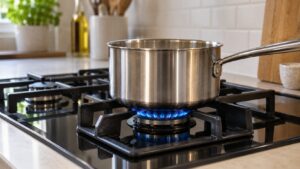
If you are used to gas, our comparison of gas and induction cooktops explains how the two feel different when you cook.
What is a bridge zone, and how do you use it?
Some Asko cooktops can join two adjacent zones into one larger cooking area for a griddle, a roasting tray or an oversized pan. Our guide describes versions called Bridge Induction and Flexible Bridge Induction, depending on the model, and our guide to Asko bridge induction explains which cooktop models have it. In use, you place a compatible pan so that it spans both zones, and the cooktop treats the combined area as one zone with a single power setting. The base must be ferromagnetic across its whole area, or it will not heat evenly. Check your manual for how your model activates the bridge, because it is not the same on every model.
What do the lock and the safety features do?
Asko cooktops have safety features that can look like faults if you do not expect them. A child lock or control lock prevents the touch controls from responding, and the sequence to engage and release it varies by model. Our guide to the Asko cooktop child lock explains how to tell a locked panel from a faulty one, including the case where a dirty or wet panel acts like a stuck lock. The cooktop can also protect itself from overheating and cut a zone if it gets too hot, according to our guide on the subject. Our page on an induction cooktop that cycles on and off covers that behavior.
How do you switch off and clean up?
Turn each zone down to zero or off, then switch off the cooktop with its key. The glass stays cool compared with a radiant element, but the pan heats the glass underneath it, so the surface can be hot after you lift the pan. Your manual describes how your model shows that the surface is still hot; until you are sure it has cooled, treat the glass as hot and do not touch it. When the glass has cooled, wipe it with a damp cloth and a little dish soap, and use a ceramic scraper for sugary spills. Our guide to Asko ceramic cooktop cleaning lists what to avoid.
What if the cooktop will not turn on or heat?
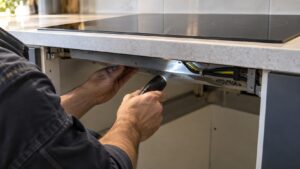
Work through three checks. Is the pan suitable and centered? Is the control panel clean, dry and unlocked? Is the cooktop getting power, as shown by the breaker and the display? If you see a code on the display, our guide to the Asko induction cooktop fault code families explains that there are two separate code sets and how to tell which one your cooktop uses. If the cooktop still does not respond after the checks, our Asko cooktop repair page explains how a visit works. Do not open the cooktop or remove panels yourself.